
Mail for Fastmail,
made for the Mac.
Mailpot is a fast, native macOS mail client built on JMAP. New mail arrives the instant it lands, and everything is a keystroke away.
Version 1.0.1 · Requires macOS 26+ · Apple silicon · Fastmail account
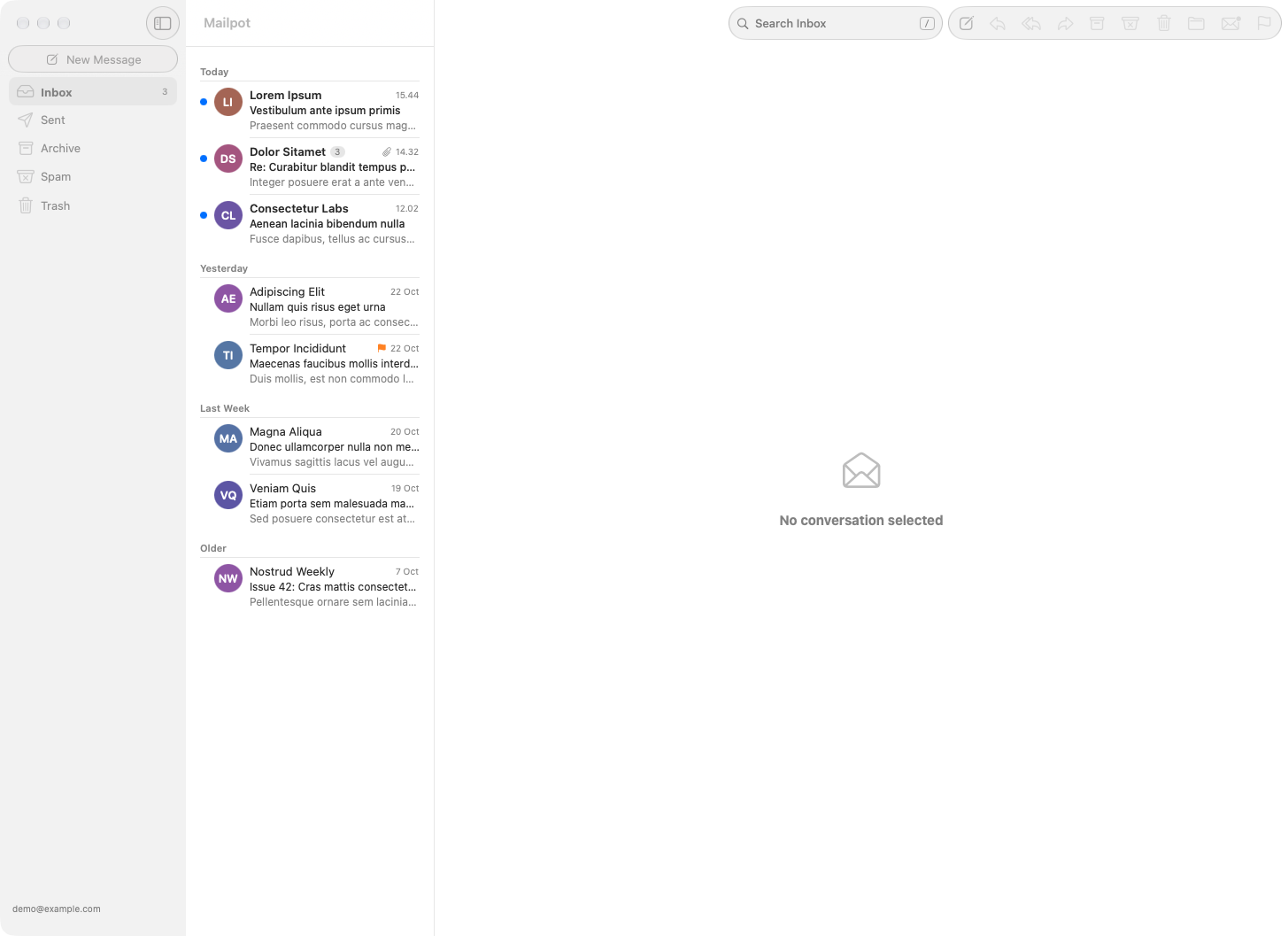
Everything you need, nothing you don't
Built in SwiftUI for Fastmail's JMAP API. No web views, no Electron.
Native and instant
A real Mac app on JMAP push. New mail shows up the moment it arrives, with Dock badge and notifications.
Keyboard first
Triage without the mouse. Every action has a shortcut you can rebind, and ? shows them all.
Masked Email
Create, edit and disable Fastmail masked addresses right from the app. Keep your real address to yourself.
Undo Send and Send Later
Take a message back within seconds, or schedule it for the right moment. Drafts save to the server as you type.
Write in Markdown
Compose in plain Markdown and send clean, formatted mail. Search with operators like from: and has:attachment.
Invitations and unsubscribe
Answer calendar invitations right in the message. One-click unsubscribe clears out the newsletters you never read.
Privacy first
Your mail stays between you and Fastmail
Mailpot has no servers, no accounts and no analytics. It talks to Fastmail and nothing else, apart from checking for app updates.
- Your token is in the Keychain. The Fastmail API token is stored in your macOS login keychain and never written to disk in plain text.
-
Your settings are a plain text file. Everything
else lives in
~/.config/mailpot/config.json. Read it, edit it, or keep it in Git with the rest of your dotfiles. - Remote images stay blocked. Senders can't see when you open a message until you choose to load images.
{
  "markdownByDefault": true,
  "groupByDate": true,
  "loadRemoteImages": false,
  "undoSendSeconds": 10,
  "keybindings": {
    "archive": "e",
    "reply": "r",
    "goToFolder": "g"
  }
}Give your inbox a better home
Requires macOS 26+ on Apple silicon. Updates install themselves.
Download MailpotVersion 1.0.1